
SMARTair i-programmer App
Faster, more intuitive and fully digital management with the new i-programmer App

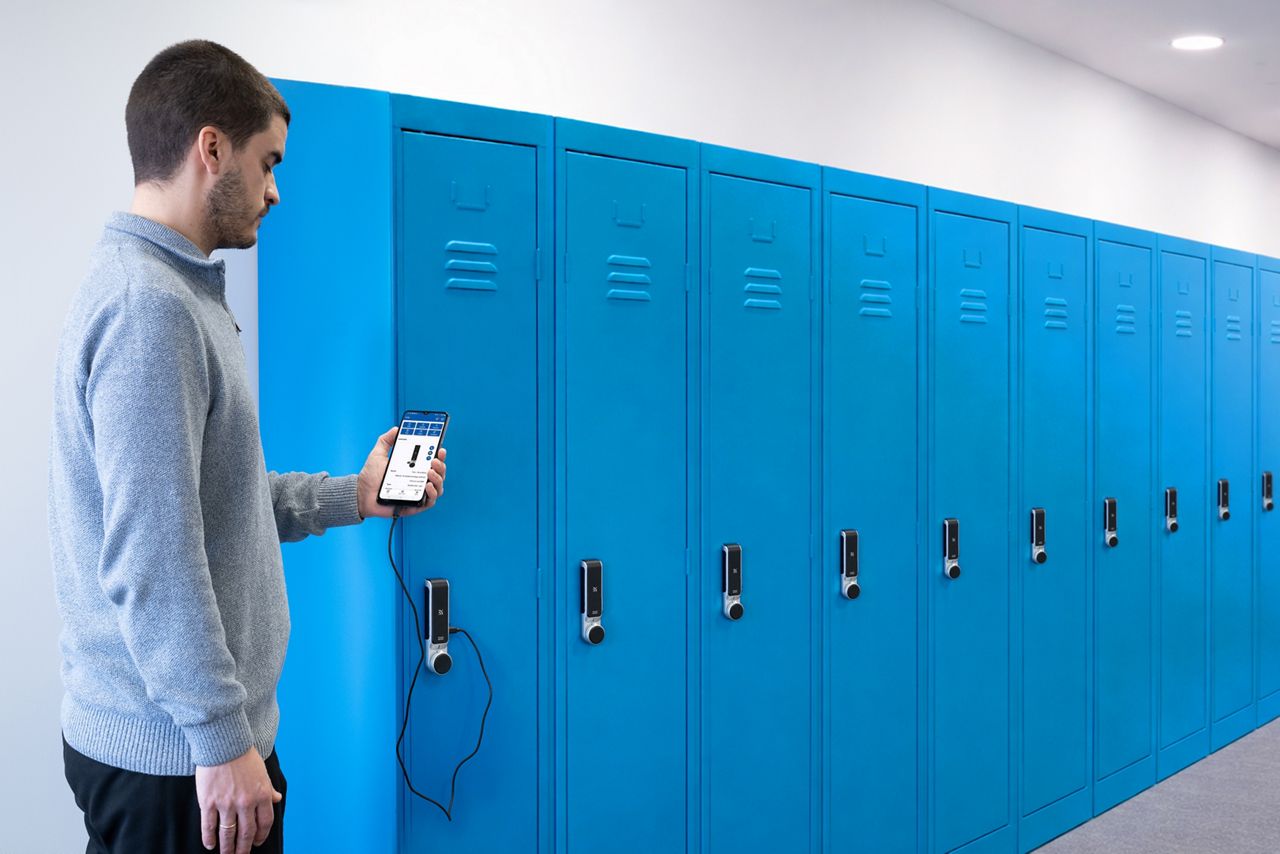
The SMARTair i‑programmer App is the new, streamlined way to manage SMARTair devices, replacing the traditional portable programmer and solving many of its limitations. It brings all essential configuration and maintenance tools directly to your Android smartphone, streamlining every onsite task. With a modern interface, faster performance and greater flexibility, the i‑programmer helps installers and facility managers work more efficiently across every SMARTair installation.
Smarter, faster, fully digital management
All tasks from a single smartphone. The i‑programmer allows you to initialise, configure and update SMARTair devices directly from your mobile phone.
A modern, sleek interface. Say goodbye to outdated, low‑resolution displays. The app delivers a new intuitive interface that makes every task clearer and faster.
Significantly faster performance. Improved communication speeds shorten every step of the process, helping teams complete installation and maintenance tasks in less time.
What you can do with i-programmer:
Manage multiple installations. Switch between several sites stored on your smartphone and move easily between jobs without returning to the office.
More capacity for larger installations. With no limits on doors, users or matrix size, the i‑programmer scales effortlessly — ideal for both small facilities and complex, multi‑site deployments.
Instant status and health checks. Maintenance staff can view device status, battery levels and firmware versions at a glance — keeping the system running smoothly.
Event collection and reporting. Collect and submit events directly through the app for easier system monitoring and record‑keeping.
Flexible onsite work with fewer interruptions
Wireless file transfer. Send and receive configuration files using email, WhatsApp or OneDrive — reducing downtime and eliminating repeated trips to a PC.
Always up to date. Automatic app and firmware updates ensure your team always works with the latest features and security improvements.
Secure distribution. Access to the i‑programmer is protected through QR‑code activation and password control, ensuring safe, controlled management.
Multi-language support. The application is available in 13 languages, making it easy to adopt across diverse teams
Compatibility
PC, Laptops and Tablets:
Compatibility with Windows 10/11 or macOS 12+.
Supported browsers: Google Chrome (recommended) and Microsoft Edge. Not compatible with Safari, Samsung Internet, Firefox or Opera
Mobile devices:
Compatibility with Android (not compatible with iOS devices)
Minimum requirements:
Android 8.0 for Google Chrome with Chrome version 138 or higher
Android 10.0 for Microsoft Edge with Edge version 140 or higher
Recommended RAM: 2 GB or more. Free storage: 30 MB min. Performance may vary on low end devices with limited RAM.
Connectivity: Internet access recommended for file downloads and updates.
Required permissions:
Storage access to read and store PC to Lock files
USB access for communication with SMARTair devices
Typical power consumption:
14.7 mA in standby mode (App open or closed)
19.0–23.0 mA during operation (initialisation, updates, testing, event collection, etc.)
Device connections
Compatible with all SMARTair devices
Device connection via PC-To-Lock cable and USB A to USB C adapter or direct connection with a USB C cable depending on the device (USB C cable not provided)
Hardware compatibility
Compatible with SMARTair R3, R4, and R4n devices. (Not compatible with SMARTair devices older than R3, e.g. S6, S9.)
TS1000 Software compatibility
Requires TS1000 version 08.04.02 or higher.
i-programmer functionality must be enabled in the TS1000 license (factory enabled or added via software upgrade).
Explore the SMARTair i‑programmer App
Explore the SMARTair i‑programmer App
Discover how the SMARTair i‑programmer App simplifies installation, configuration and maintenance with a smarter, fully digital workflow.
Related products
SMARTair
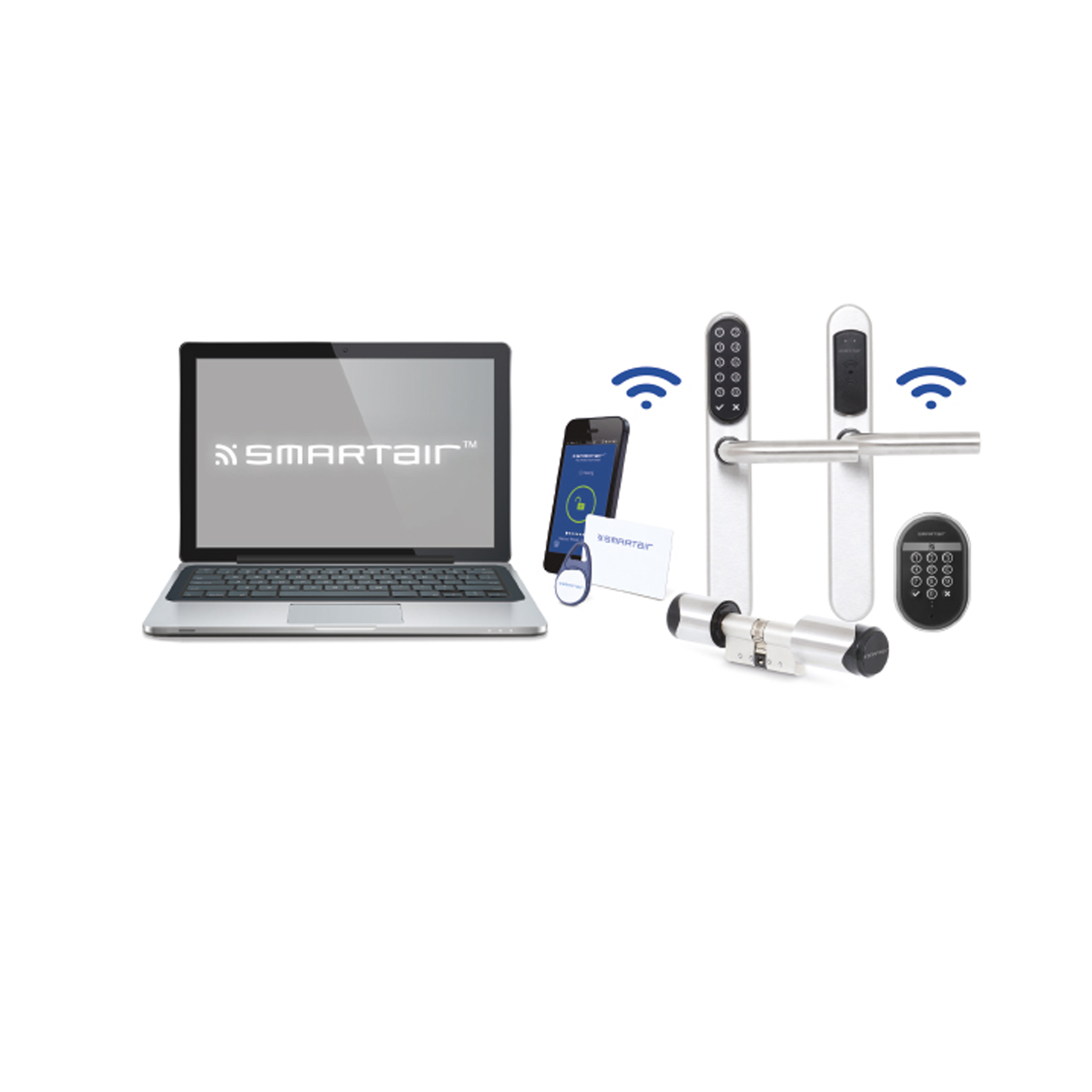
With the SMARTair wireless access control system, you can forget about keys and manage access to your building from a single control point. From Wireless locks to Wireless Padlocks, the SMARTair TS1000 can be used as the central point to manage access.